
float布局的特点
- 文字环绕
- 包裹性
- 破坏性
1.文字环绕
文字环绕效果是只有float布局才能够实现的一种特殊的布局样式。看下图 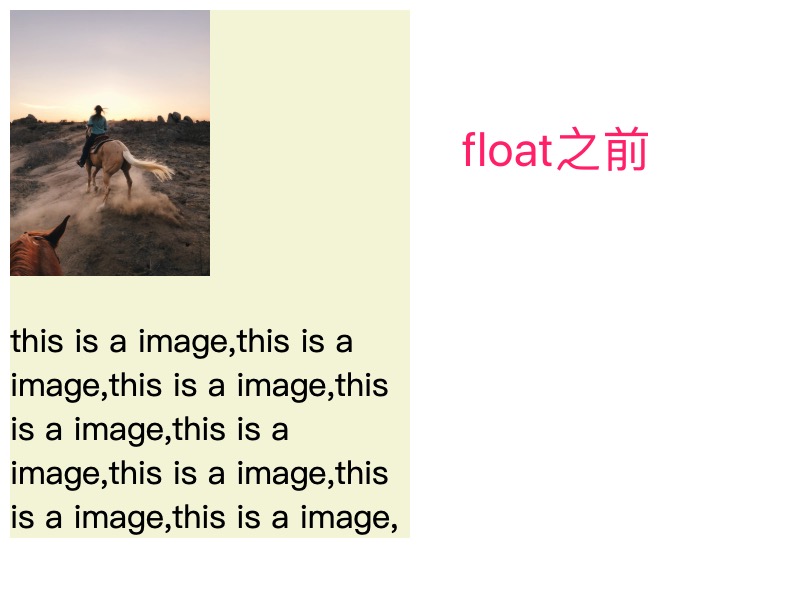
<div style="width: 200px;background-color: beige;">
  <img src="images/szemely-homok-videki-taj-videki-kornyezet-3490257.jpg" width="100px" />
  <p>this is a image,this is a image,this is a image,this is a image,this is a image,this is a image,this is a image,this is a image,</p>
</div>
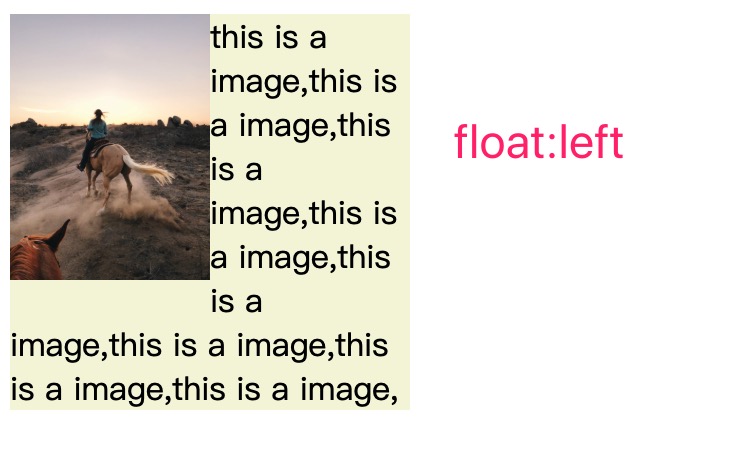
<div style="width: 200px;background-color: beige;">
  <img src="images/szemely-homok-videki-taj-videki-kornyezet-3490257.jpg" width="100px" style="float: left;" />
  <p>this is a image,this is a image,this is a image,this is a image,this is a image,this is a image,this is a image,this is a image,</p>
</div>
float布局之所以能实现这种特殊的布局样式,就是因为float布局的不完全脱离文档流。
不完全脱离文档流
元素被设置成float的时候,这个元素看起来脱离文档流,不在当前文档流占据位置,别的元素在布局的时候会无视这个元素。但是其他元素中的文本依然会为它让出位置,形成一个文字环绕的特殊样式。
position:absolute的元素是真正的脱离了文档流。
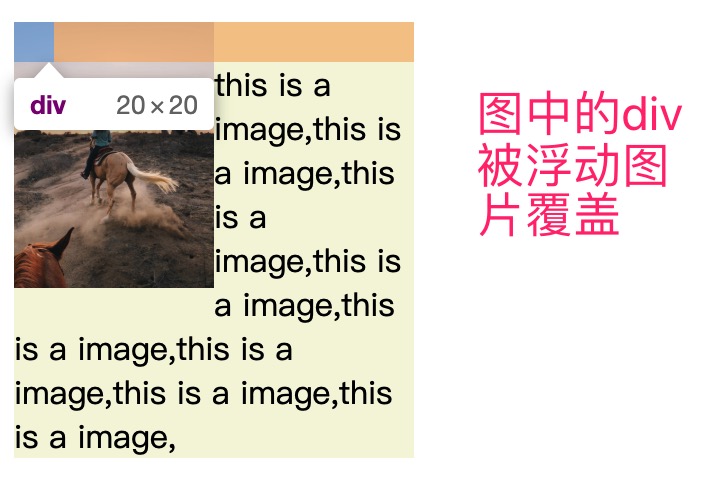
<div style="width: 200px;background-color: beige;">
  <img src="images/szemely-homok-videki-taj-videki-kornyezet-3490257.jpg" width="100px" style="float: left;" />
  <p>
    <div style="width: 20px;height: 20px;background-color: chartreuse;"></div>
    this is a image,this is a image,this is a image,this is a image,this is a image,this is a image,this is a image,this is a image,</p>
</div>
2.包裹性
当一个元素被设置成float的时候,不管是块级元素还是行内元素,都会自动加上一个块级框,在表现上和块级行内元素(inline-block)一样的。
默认由内容撑开,左右水平排列,可以设置宽高
设置float之前
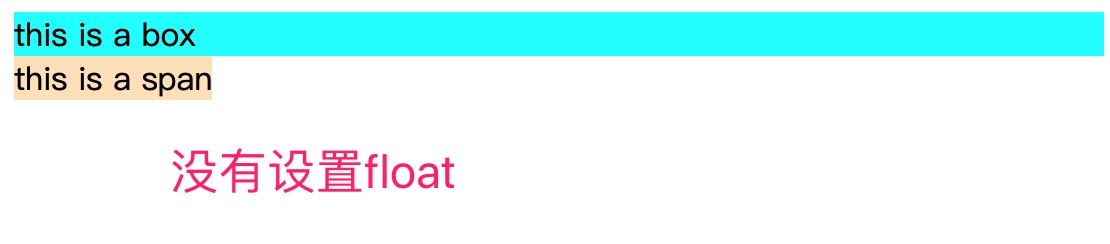
<div style="background-color: aqua;">
  this is a box
</div>
<span style="background-color:bisque;width: 200px">
  this is a span
</span>
设置float
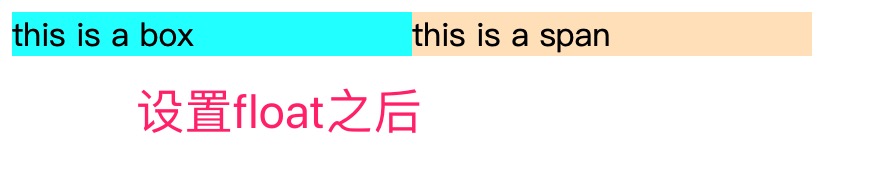
<div style="background-color: aqua;float:left;width:200px">
  this is a box
</div>
<span style="background-color:bisque;width: 200px;float:left">
  this is a span
</span>
3.破坏性
float元素破坏性的原因是因为float元素不在文档流中占据位置,会导致父元素高度塌陷。
高度塌陷

<div style="background-color:cadetblue;">
  <div>this is a float box</div>
  <div>this is a float box</div>
</div>
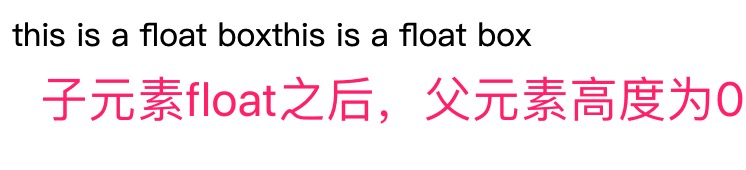
<div style="background-color:cadetblue;">
  <div style="float:left">this is a float box</div>
  <div style="float:left">this is a float box</div>
</div>
清除浮动
为了解决高度塌陷的问题,需要清除浮动,是的父元素占据应有的高度。
从清除浮动的原理上可以分成两类:
- 使用clear属性清除
- 使用BFC原理来清除浮动
清除浮动之后的效果 
1.clear属性——添加空白元素
<div style="background-color:cadetblue;">
  <div style="float:left">this is a float box</div>
  <div style="float:left">this is a float box</div>
  <div style="clear:both"></div>
</div>
2.clear属性——使用伪类
<div style="background-color:cadetblue;" class="clear">
  <div style="float:left">this is a float box</div>
  <div style="float:left">this is a float box</div>
</div>

//css
.clear:after{
  content:"";
  display:block;
  height: 0px;
  visibility: hidden;
  clear:both;
}
3.BFC——BFC容器的高度会包含float子元素的高度
父元素设置overflow: hidden可以新建一个BFC。BFC的详细内容后面文章有说明
<div style="background-color:cadetblue;overflow: hidden;">
  <div style="float:left">this is a float box</div>
  <div style="float:left">this is a float box</div>
</div>